
Imagine the site opens normally on Monday, but an editor reports a changed contact link nobody recognizes. Before buying another security tool, find out whether your team can tell who changed it, remove the affected access, and restore the correct page without relying on the same potentially compromised account.
Start with a tabletop exercise. Write down which person can reach the registrar, which person can freeze editing, and which restore point can be tested without touching production. If those tasks all depend on a single person’s inbox, address that dependency first. The rest of the checklist is useful only once someone can act on it.
This checklist is a starting point for operational review, not a guarantee or replacement for a risk assessment. The appropriate controls depend on the information and services the website handles.
Confirm ownership of essential accounts
The organization should know who controls the domain registrar, DNS, hosting, source repository, content management system, analytics, email provider, and external integrations. Use organization-controlled accounts where practical and keep recovery details current.
Avoid depending on a former employee's personal email or a supplier account the organization cannot access. Record renewal dates and responsible owners without storing passwords in a shared document.
Strengthen account access
Enable multi-factor authentication where supported. Give each person an individual account and only the permissions required for their role. Remove access promptly when a person leaves or responsibilities change.
Review:
- Domain and DNS administration.
- Hosting and deployment access.
- CMS administrator and editor roles.
- Source-code and cloud accounts.
- Email delivery and analytics providers.
- Database and backup access.
Shared administrator credentials reduce accountability. If a shared operational account is unavoidable, document its purpose and protect it with an approved credential-management process.
Keep software and dependencies maintained
Web frameworks, plugins, libraries, servers, and operating systems receive security updates. Establish who reviews and applies them, how changes are tested, and how urgent issues are handled.
Remove unused plugins and services. Every dependency adds a maintenance relationship. Automated alerts can help, but someone must assess whether an alert affects the deployed application.
Validate every input on the server
Contact forms, uploads, search fields, and account workflows receive untrusted input. Client-side validation improves usability but can be bypassed. Validate type, length, format, and authorization on the server.
Protect forms against automated abuse with rate limiting, sensible size limits, and provider-aware error handling. Do not return internal exception details, credentials, or customer data in error messages. ITLead's website and application service treats form behavior and failure states as part of the product, not an afterthought.
Separate authentication from authorization
Authentication establishes who a user is. Authorization decides what that user may do. A signed-in account should not automatically receive administrative access.
Verify permissions on the server for every protected operation. Hiding an edit button in the browser is not an authorization control. For database-backed systems, understand how application roles, database roles, and row-level policies interact.
Protect secrets and sensitive data
API keys, database passwords, service credentials, and private tokens must not be committed to source code or exposed in browser bundles. Store them in approved server-side environment configuration and restrict access.
Collect only the information the business needs. Define retention and deletion responsibilities. Use secure transport, but remember that encryption in transit does not correct excessive access or unnecessary collection.
Prepare reliable backups and recovery
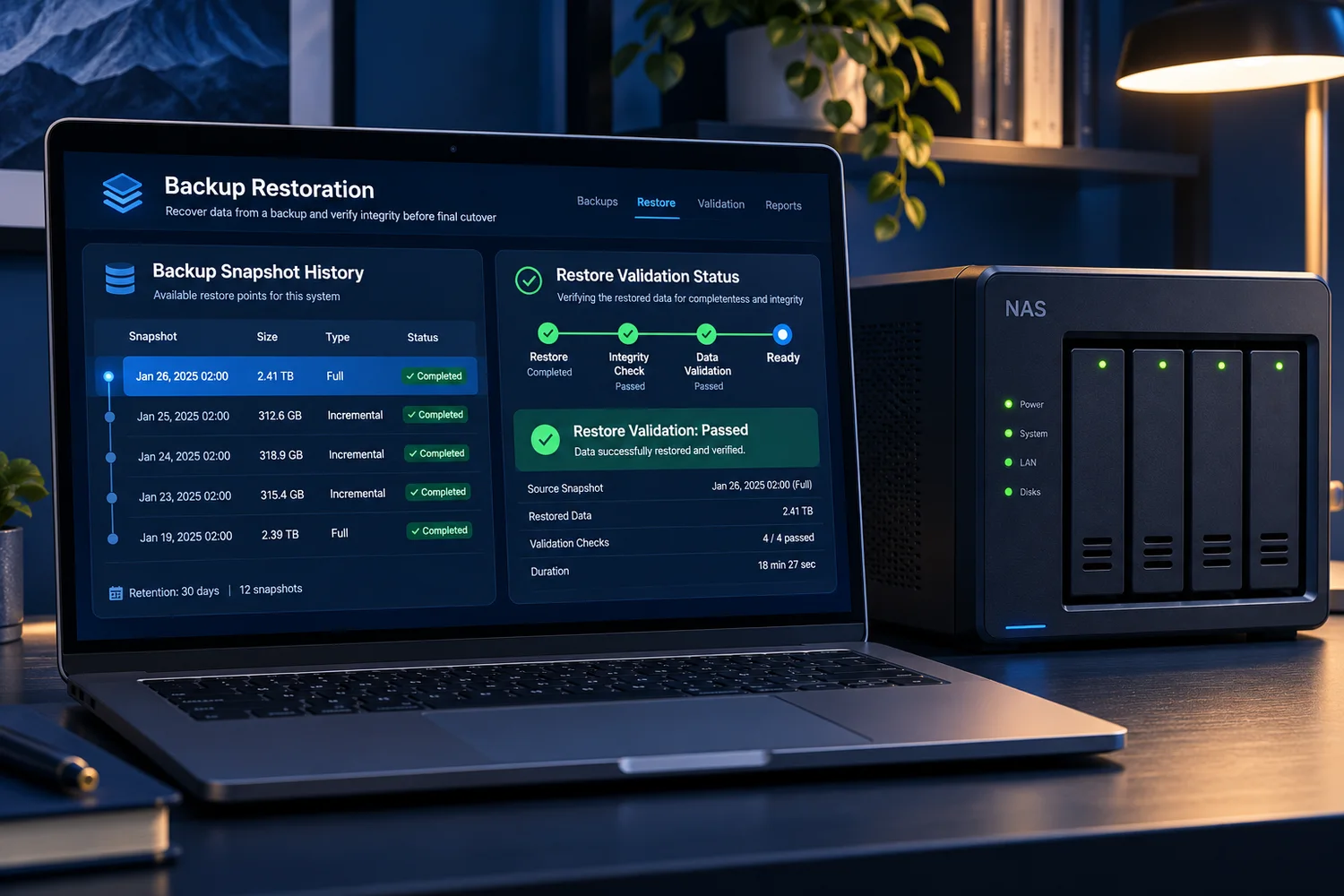
A backup is useful only if it can be restored. Identify what must be backed up: database records, uploaded media, configuration, and sometimes external service data. Define retention, access, and restoration steps.
Test recovery periodically using an isolated environment. Record the result and any missing dependency. A source repository alone is not a backup of production data.
Monitor the service and important changes
Monitor availability and meaningful failures. For administrative systems, retain appropriate audit events such as publication changes or role-controlled mutations, while avoiding secrets and unnecessary personal data in logs.
Alerting should reach someone able to respond. Too many low-value notifications can hide an important incident.
Review headers, cookies, and browser controls
Use secure cookie settings for sessions, evaluate an appropriate content security policy, and prevent sensitive pages from being indexed or cached incorrectly. Set framing, content-type, and referrer behavior deliberately.
These controls depend on the application. Copying a strict configuration without testing can break necessary functionality; applying weak defaults without review can leave avoidable exposure.
Rehearse a changed-link incident without touching production
In a staging copy, change the contact link and treat the change as suspicious. Start with a known-good version and synthetic records. Ask staff to report the URL and time through a channel outside the affected site. Preserve the relevant edit record and deployment history before changing access or restoring content.
Incident lead: decides whether to pause publishing and records the timeline and handoffs. Identity owner: revokes the affected access and checks individual accounts, recovery methods and service credentials. Hosting owner: restores an isolated copy and records the restore point and elapsed time. Content owner: verifies the restored link and form destination with a second reviewer. In a small team one person can cover multiple roles, but assign a backup and keep recovery contacts outside the affected environment.
A passing exercise produces evidence: an identified restore point, a verified content change, a successful test inquiry to a controlled inbox, and confirmation that the removed account can no longer edit. Document the decision on whether to restore one page or the whole site. A whole-site rollback can discard legitimate changes made after the incident; test the narrowest recovery that restores a trusted state.
Review the checklist on a schedule
Security changes as people, providers, and software change. Review privileged access, dependencies, integrations, backups, and contact information regularly and after major releases.
For a focused review of practical digital risks, explore cybersecurity services or discuss the systems your organization relies on.