
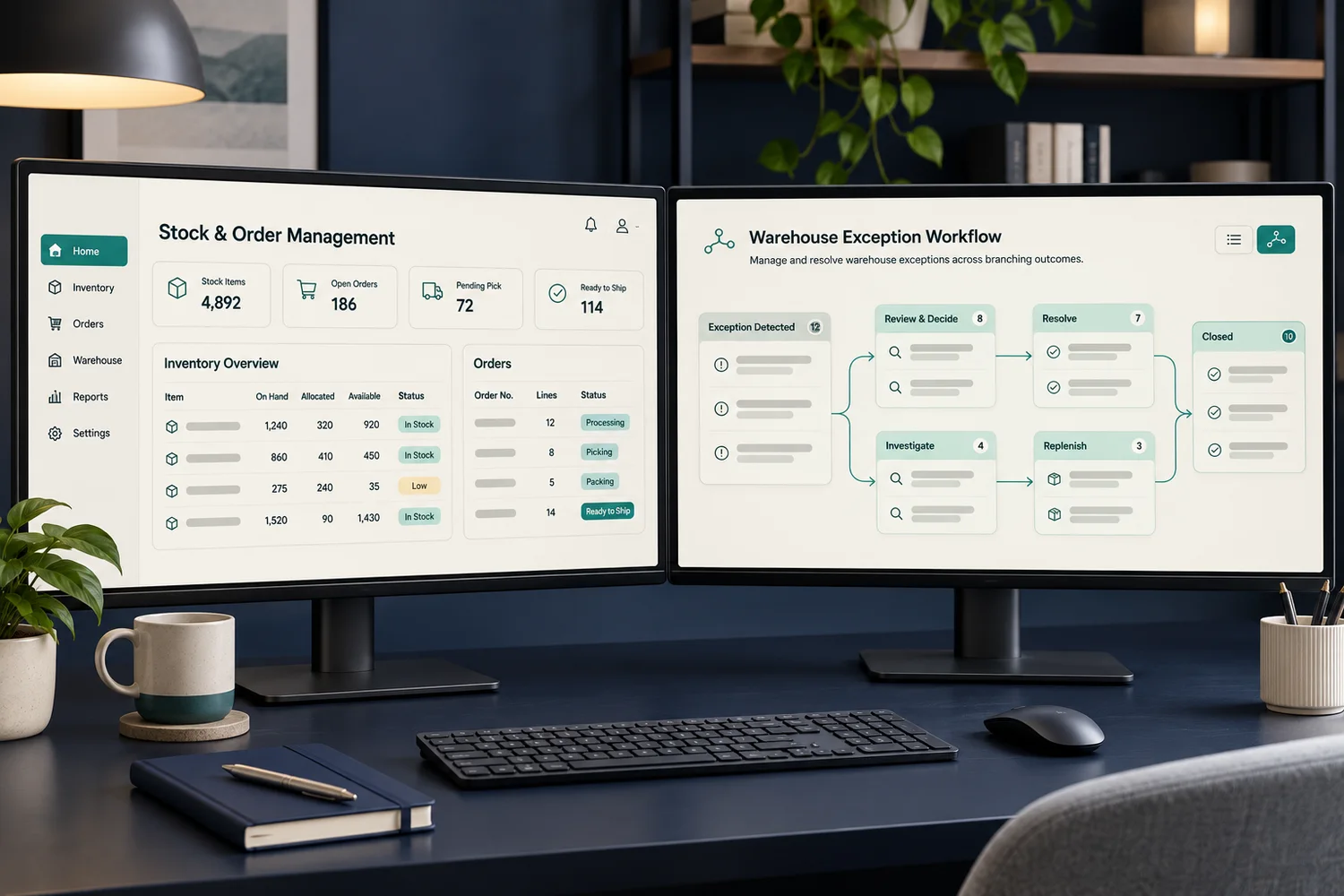
Put a transaction that went wrong in front of both suppliers. For a distributor, that could be an order split across two warehouses after one runs out of stock. Ask staff to finish the order and correct the records in each proposed system. The useful comparison is the work left after the demo, not which interface looks most complete.
Configuration, an extension, and a custom build are separate bets. Configuration stays inside the supplier’s supported model. An extension can preserve the standard product while isolating a genuine exception, but someone has to maintain the integration. A bespoke system gives the buyer control over the workflow only if the buyer also has the means to operate it.
Ready-made software can be the sensible choice when a process is common, the product is mature, and the organization can adapt to its workflow. Custom software becomes relevant when the process creates a genuine advantage, existing tools force damaging workarounds, or important systems need to work together in a specific way.
What ready-made software offers
An established product can provide a faster starting point. Common capabilities, documentation, updates, and support may already exist. Subscription pricing can also make initial costs easier to forecast.
The trade-off is that the organization accepts the product's model. Configuration may be possible, but the underlying workflow, permissions, data structure, and integration options are controlled by the vendor. Future pricing and product direction are also external decisions.
Ready-made software is often a good candidate when:
- The process is standard across many organizations.
- The available product covers the important requirements without heavy workarounds.
- Data export and integration options are acceptable.
- The vendor's support and security responsibilities are clear.
- Staff can adopt the product's working method.
What custom software changes
Custom software can map closely to how an organization serves customers and coordinates work. It can bring scattered information into one system, enforce role-specific steps, and integrate with existing tools. ITLead's business software and automation service starts by mapping the real process before proposing an interface or build.
That control comes with responsibility. Someone must own product decisions, prioritize features, verify workflows, support users, and maintain the software over time. Custom does not mean every request should be built. A focused first release is usually safer than attempting to automate an entire organization at once.
Put the split order through all three options
Take a ten-unit order. Branch A has six units; Branch B has four. The customer needs one commitment, but each branch needs its own picking work. If Branch B later finds a damaged unit, staff must be able to reduce that reservation without losing Branch A's work or promising the missing unit to someone else.
Configure the standard product if it already supports a parent order and multiple fulfilments. Let it own reservations and cancellations. Ask both branches to complete the scenario in a sandbox with their normal permissions. A spreadsheet merge or a shared administrator account is not a configuration success.
Extend the product if its stock records are reliable but its routing is not flexible enough. The extension can recommend a split, but the inventory system must confirm it. Give the request a stable ID so a retry cannot create a second reservation. Budget for API upgrades, reconciliation and an owner for failed transfers.
Build the workflow only if neither option can express a requirement that matters. You now own concurrency, reservations, staff permissions and support. In all three cases, run two simultaneous orders against the last units; accepted reservations must never exceed usable stock. Cancel the Branch B line twice and check that stock is released only once. Compare the handling of that exception rather than comparing feature totals. See the e-commerce order walkthrough for the payment and fulfilment side.
Consider the complete lifecycle cost
For ready-made software, consider subscription tiers, implementation, data migration, training, add-ons, integration fees, and the cost of switching later. For custom software, consider discovery, design, development, hosting, monitoring, support, security updates, and continued product decisions.
Do not compare a one-year subscription with a complete custom build as if they cover the same period or responsibility. Use a shared planning horizon and document assumptions. Prices and regulations can change, so obtain current, provider-specific information rather than relying on generic market figures.
Data ownership and portability
Ask where data is stored, who can access it, how backups work, and whether information can be exported in a usable format. For sensitive operations, clarify access logs, account removal, incident handling, and the vendor's role.
Custom software does not automatically guarantee control; contracts, hosting accounts, source access, and documentation still matter. Ready-made software does not automatically mean lock-in; some vendors provide strong export and integration capabilities. Verify rather than assume.
Integration can decide the outcome
A product that works well alone may create duplicate work if it cannot exchange data with accounting, commerce, identity, or operational systems. Review available APIs, export formats, rate limits, and support boundaries.
Sometimes a hybrid approach is appropriate: use a mature product for a standard capability and build a focused layer around the organization's distinctive workflow. That still requires clear ownership of data and failure handling.
Adoption matters as much as implementation
Adoption suffers when software does not fit the work or when people are not prepared to use it. Include representative users in discovery and testing. Plan migration, training, support, and a way to report problems. The IT training and capacity-building service can support implementation when a new system changes everyday responsibilities.
A decision framework
Score each option against the following questions:
- How closely does it fit the critical workflow?
- Which workarounds remain?
- Can it integrate with essential systems?
- Can data be exported and migrated?
- Who controls permissions and product changes?
- What implementation and training are required?
- What are the full lifecycle responsibilities?
- What happens if the vendor, price, or business process changes?
Choose the smallest responsible solution
The strongest decision is often less dramatic than "build everything" or "buy immediately." Select the smallest approach that solves the important operational problem, protects the organization's options, and can be maintained by the people responsible for it.
If existing tools are producing repeated work or unclear ownership, start with a workflow conversation before deciding whether custom development is necessary.